

Fix a mistake during recording
Outside a text field, ⌘Z or Ctrl+Z undoes the latest scoring action. What that removes depends on the method.Fix a mistake after saving
Open the observation from the student’s Sessions. Results saves each change automatically; reopen the observation afterward to check that it stayed.Interval methods
In Interval Record, select a student or peer cell and choose Occurred, Did not occur, or Clear score.Frequency
In Event Record → Timeline, select the mark. Drag it sideways to change its time, or into another row to change the behavior or person. To remove it, select the trash icon next to its time; Undo appears briefly.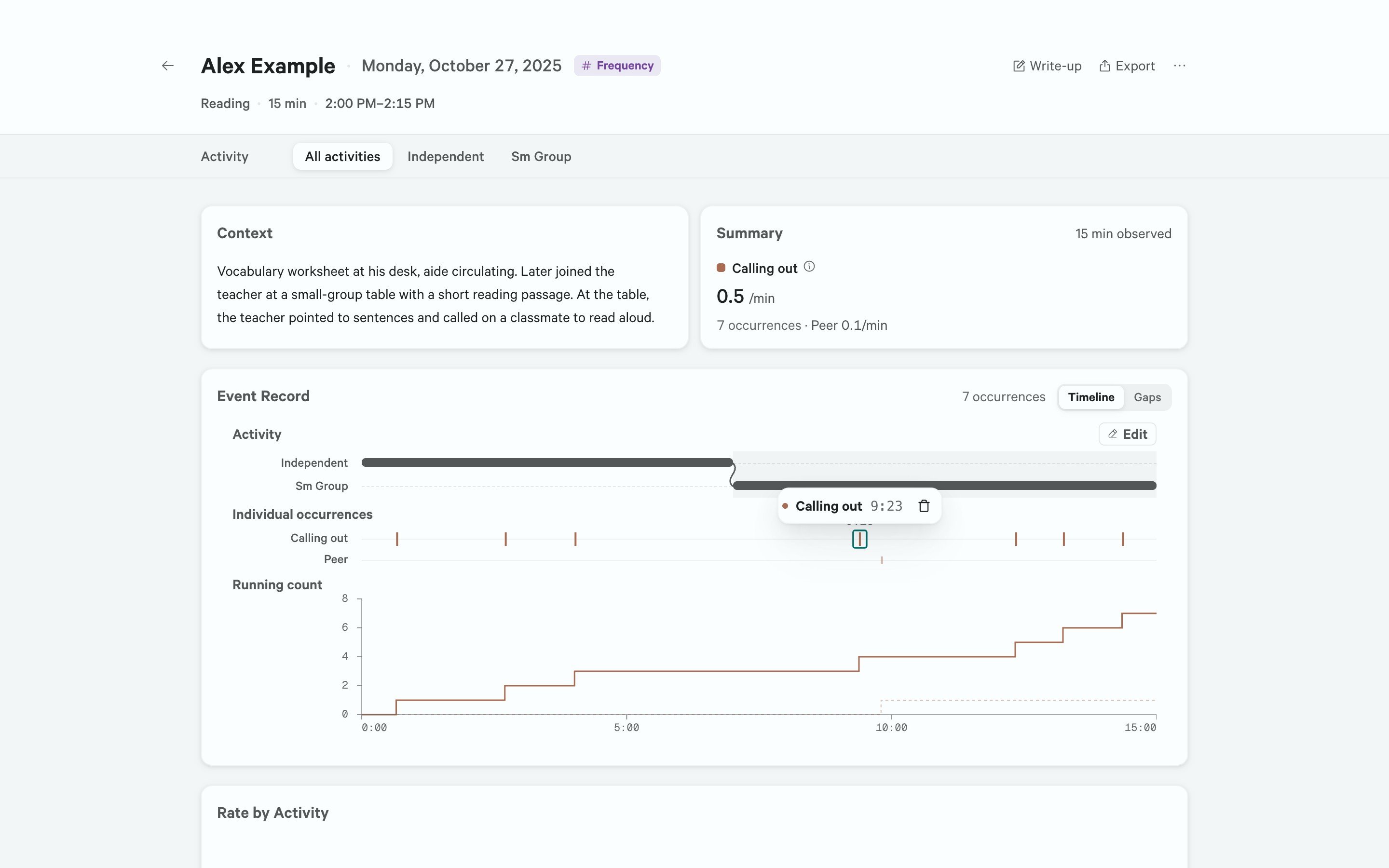
A selected mark shows its behavior, its time, and a trash icon. Shown in demo mode.